

Table of Contents
Introduction
Every tester has faced it.
A bug that fails only when no one is watching. You replay the same test steps, the same inputs, the same browser, the same data, and it works perfectly.
That invisible glitch is the intermittent bug, and it’s every QA engineer’s worst nightmare. It doesn’t respect schedules, it doesn’t leave clues, and it refuses to appear when developers try to reproduce it.
But here’s the truth: these bugs aren’t random chaos. They follow patterns hidden beneath timing issues, data races, or environment mismatches. If you know where to look, you can trap them fast.
This post gives you a practical 10-minute checklist that helps isolate intermittent bugs before they destroy confidence in your building. You’ll learn what makes them appear, how to trace them efficiently, and how to ensure they never sneak back in again.
Why Intermittent Bugs Keep Escaping Detection
You can’t fix what you can’t see.
That’s why intermittent bugs make teams doubt their testing process.
These bugs surface only under particular, often unpredictable conditions:
- A race condition triggers under heavy load.
- The system clock drifts during an API call.
- A backend service hiccups for one request in a hundred.
- A thread doesn’t acquire a lock in time.
They’re rare, but their impact is massive.
One unreproducible crash can delay release by days. Developers waste hours chasing ghosts. Stakeholders lose trust.
The real problem isn’t the bug itself; it’s visibility. Without proper context capture (logs, screenshots, system states), the evidence disappears as fast as the bug does.
To beat that, you need a structure that works even when randomness seems unbeatable. That’s where the 10-minute checklist comes in.
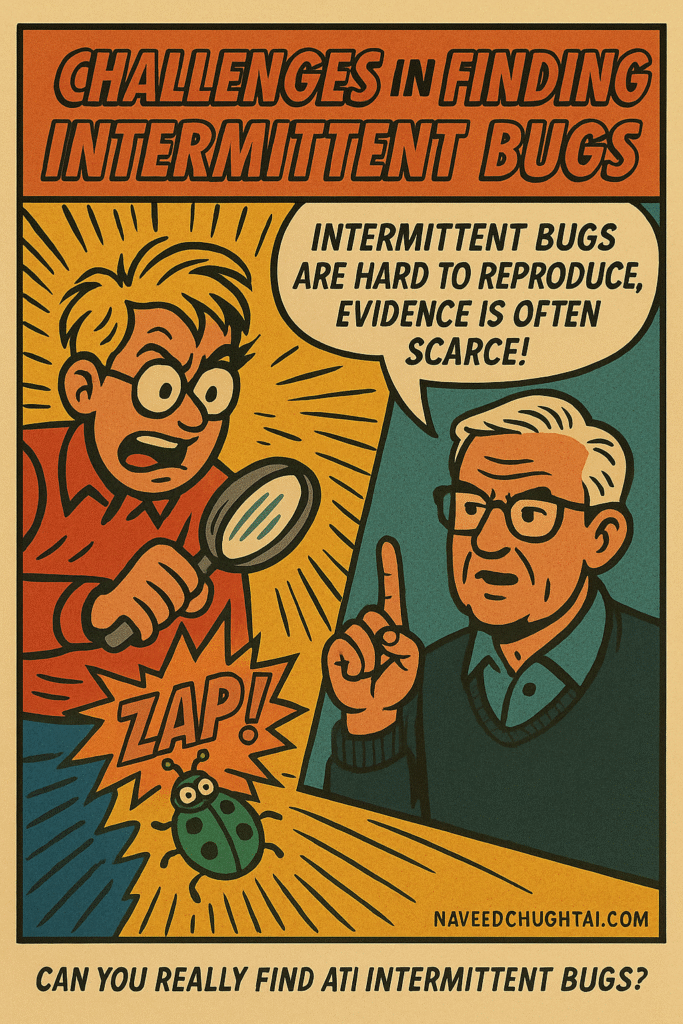
Challenges in Finding Intermittent Bugs
Finding intermittent bugs feels like detective work without witnesses. Here are the biggest roadblocks most testers face:
1. Inconsistent Reproduction
You might get a failure once in 50 runs. Then nothing. This randomness misleads testers into thinking the bug is fixed when it’s not.
Fix: Automate repetition. Tools like [link to automation article on your blog] can re-run scenarios hundreds of times to trigger rare conditions.
2. Weak Logging
Logs that only capture happy paths are useless. If logs don’t show parameters, timestamps, and system states, you can’t correlate the moment of failure.
Fix: Log smarter, not just more. Capture context (browser version, memory use, network latency) along with every event.
3. Environment Drift
Different environments create different outcomes. QA might test on Chrome 120, Dev might debug on Chrome 118, and staging may use a newer API endpoint.
Fix: Use consistent configuration snapshots. Docker images, container manifests, or CI/CD pipeline logs can ensure everyone tests under the same conditions.
4. Human Bias
Testers sometimes assume “it worked once, it’s fine.” That optimism delays root cause discovery.
Fix: Never ignore a single random failure. If it failed once, it can fail again when the system scales.
Intermittent bugs are proof that software doesn’t just fail — it behaves inconsistently under pressure. You don’t beat that by luck. You beat it by method.
The 10-Minute Quick Checklist
If you want to catch an intermittent bug in under 10 minutes, stop relying on intuition.
Follow this exact checklist.
Goal: Capture, isolate, and reproduce unpredictable defects fast.
Minutes 1–2: Reconfirm the Failure
- Re-run the same steps exactly as before.
- Note every variable: browser, device, build version, network speed, and test data.
- If it doesn’t fail, switch one parameter (for example, change network speed or refresh rate).
Minute 3: Check Logs and Screenshots
- Open system logs, console outputs, and automation captures.
- Search for time gaps or missing entries that coincide with the failure.
- If logs are too light, increase verbosity and re-run.
Minute 4–5: Validate Environment Parity
- Confirm that your environment matches production.
- Compare browser versions, system time zones, and API endpoints.
- If anything differs, clone the failing state.
Minute 6–7: Correlate With Similar Failures
- Search issue history or test results for similar patterns.
- Did this bug appear before under different names or modules?
- Intermittent bugs often repeat silently in unrelated components.
Minute 8: Run in Parallel
- Execute the same case across two environments (for example, QA vs Staging).
- If only one fails, capture both logs side by side for diff analysis.
Minute 9–10: Hypothesize and Tag
- Write a short hypothesis (“Possible async timing issue during API handshake”).
- Tag your bug in the tracking tool with “Intermittent” and include timestamps, machine ID, and log snippet.
- Add a quick repro video or HAR file for developer context.
After 10 minutes, you won’t have solved it, but you’ll have enough evidence for the developer to reproduce it — and that’s what matters.
Benefits of Following a Structured Process
You might think structure slows you down, but in QA, structure saves time.
Here’s why:
1. Predictability in Chaos
The checklist makes every random failure measurable. You stop guessing, start validating.
2. Collaboration Becomes Effortless
When you report using consistent data (environment, time, pattern, steps), developers can instantly act. No more back-and-forth “Can you reproduce it?” messages.

3. Faster Debug Cycles
Instead of spending hours re-testing, you spend minutes capturing proof. Reproduction becomes repeatable because your documentation is exact.
4. Reduced Emotional Drain
Intermittent bugs frustrate even senior engineers. The checklist removes that stress by converting confusion into a method.
Think of it like debugging insurance, you’re protecting your mental bandwidth and your release timeline.
The Hidden Impact of Intermittent Bugs on Your Product
On the surface, intermittent bugs look minor. They don’t break the build every time. But inside, they silently damage your product.
Here’s what they really do:
- Erode user trust: A crash that happens once in ten uses is still a crash users remember.
- Disrupt revenue: Imagine a checkout button failing for one percent of transactions. That’s silent money loss.
- Skew analytics: When bugs trigger inconsistent data, you make wrong product decisions.
- Drain QA morale: Teams spend countless hours chasing bugs that seem imaginary.
These bugs hurt confidence. Stakeholders start questioning QA credibility.
That’s why catching them fast, ideally within minutes, protects not only your build but your reputation.
If you want to understand how this ties to release confidence, check out [link to your post on “QA Metrics That Matter”].
Real-World Bug Stories That Prove the Point
Story 1: The Vanishing Checkout Error
A payment API call failed only on Fridays. Turns out the staging certificate expired every 7 days due to an automated job misconfiguration. Without consistent logging, it would’ve taken weeks to find.
Story 2: The Phantom Push Notification
Mobile testers reported random app crashes on notification clicks. After hours of digging, the cause was an unhandled null reference triggered only when network latency exceeded 200 ms.
Story 3: The Random UI Freeze
A React component froze once in 50 renders. The culprit? A missing cleanup in useEffect is causing memory leaks only when the DOM tree is updated rapidly.
Each case looked random. Each was solved because the tester used structured observation, not luck.
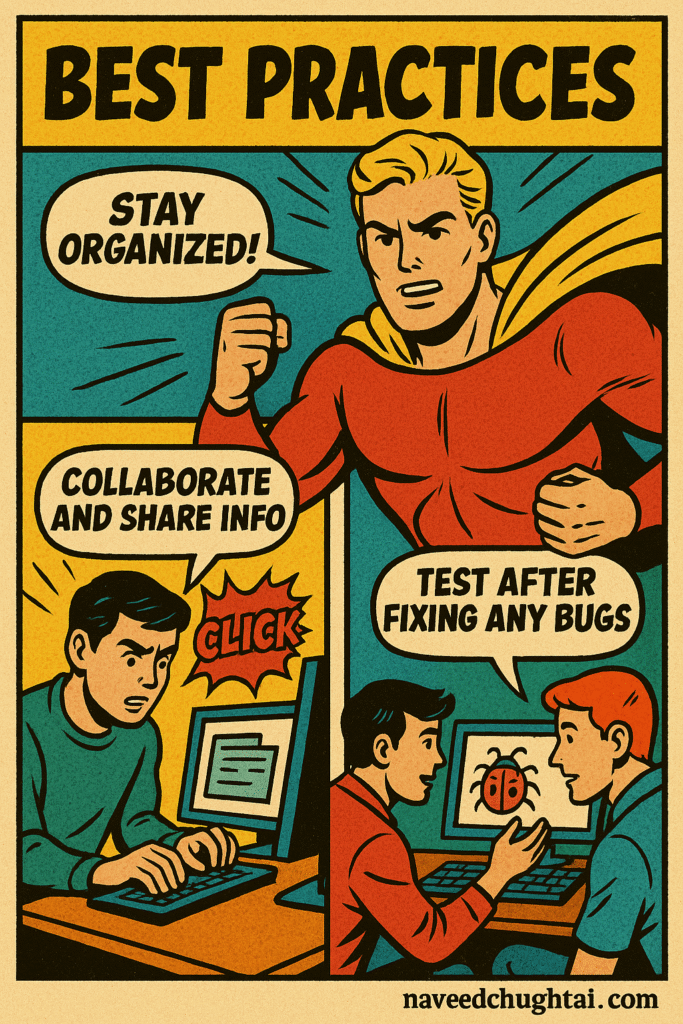
Best Practices to Prevent Future Ghost Bugs
The best way to fix intermittent bugs is to stop creating them.
Here are the preventive habits top testers live by:
1. Strengthen Your Logging Early
- Include timestamps, environment IDs, and session tokens in every log.
- Use readable error messages that describe conditions, not just stack traces.
- Store logs centrally so every build preserves its debug trail.
2. Automate Repetition Testing
- Run flaky tests multiple times to confirm true positives vs false alarms.
- Use CI/CD tools to schedule reruns on failure.
- Keep statistics: failure frequency often reveals pattern type (network, timing, resource).
3. Create Controlled Environments
- Docker or container images ensure consistency across QA and Dev.
- Version-lock dependencies, frameworks, and libraries.
- Keep test data static during reproduction cycles.
4. Record the Context
- Take screenshots, HAR files, and screen recordings of failing sessions.
- Capture network and console logs for cross-reference.
- This evidence reduces rework and speeds up debugging sessions.
5. Educate Your Team
Share every intermittent bug story with the entire QA group.
The more your team understands how these ghosts behave, the faster they’ll catch the next one.
Encourage peer debugging sessions and shared post-mortems.
Conclusion: How You Beat the Clock and the Bug
Finding intermittent bugs isn’t about luck or endless retries. It’s about process, observation, and discipline.
In ten focused minutes, you can:
- Reproduce or isolate the behavior
- Capture complete context
- Give developers enough data to act immediately
When you work this way, intermittent bugs stop being mysteries. They become measurable patterns.
The next time your build “magically” fixes itself, don’t celebrate too soon. Open your checklist, follow the ten-minute method, and prove the bug’s real story.
Because in QA, speed means nothing without clarity, and the right checklist gives you both.